Focus, beautifully.
A gorgeous Pomodoro timer for deep work — focus sessions, ambient soundscapes, tasks, habits, honest stats and a reflective journal. Built for real attention, on every device.
Free to start · No account needed to try it in your browser.
💻 On Mac: search “GlassFocus” in the App Store, open the iPhone & iPad Apps tab — it runs flawlessly.
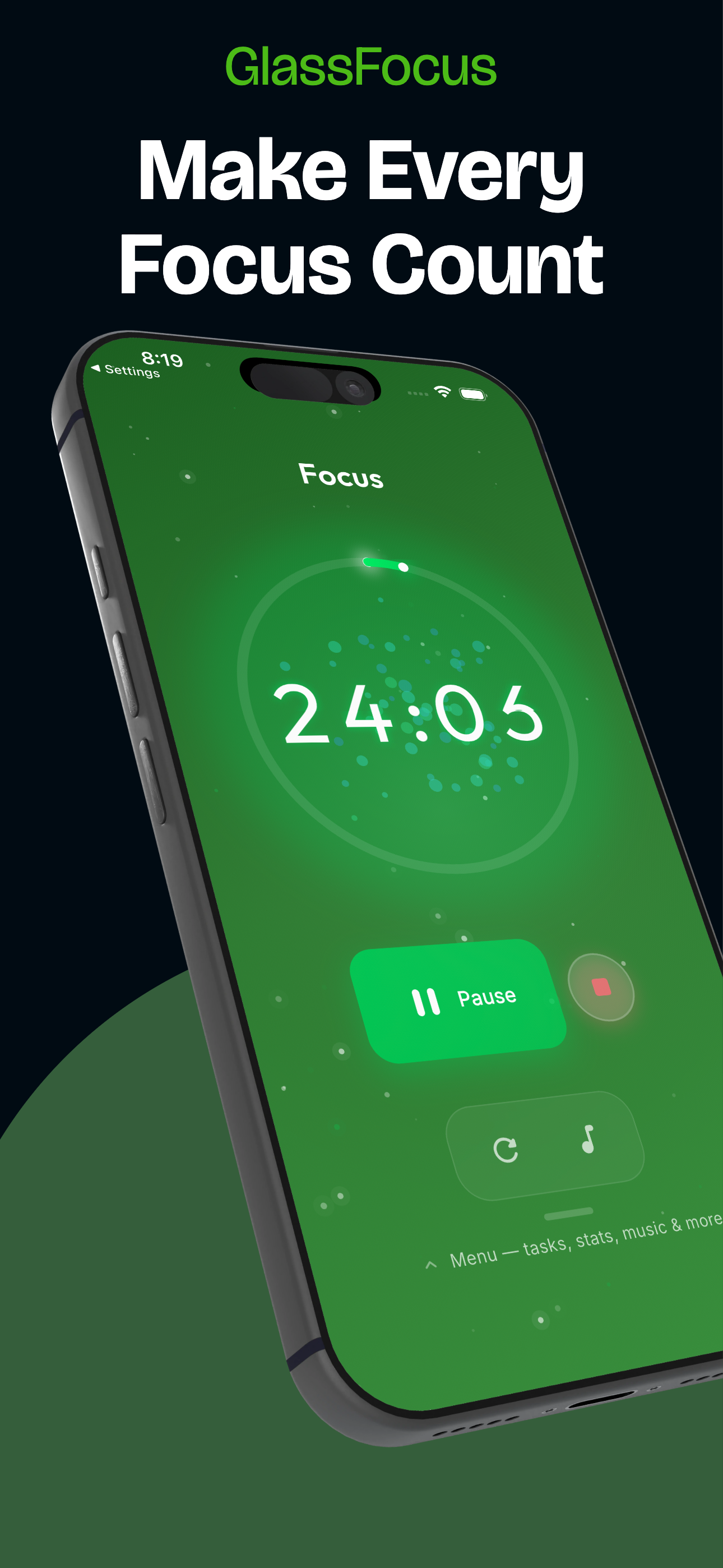
Your whole focus practice, in one beautiful app.
Scroll through every screen — each one designed, one at a time, to keep you present.
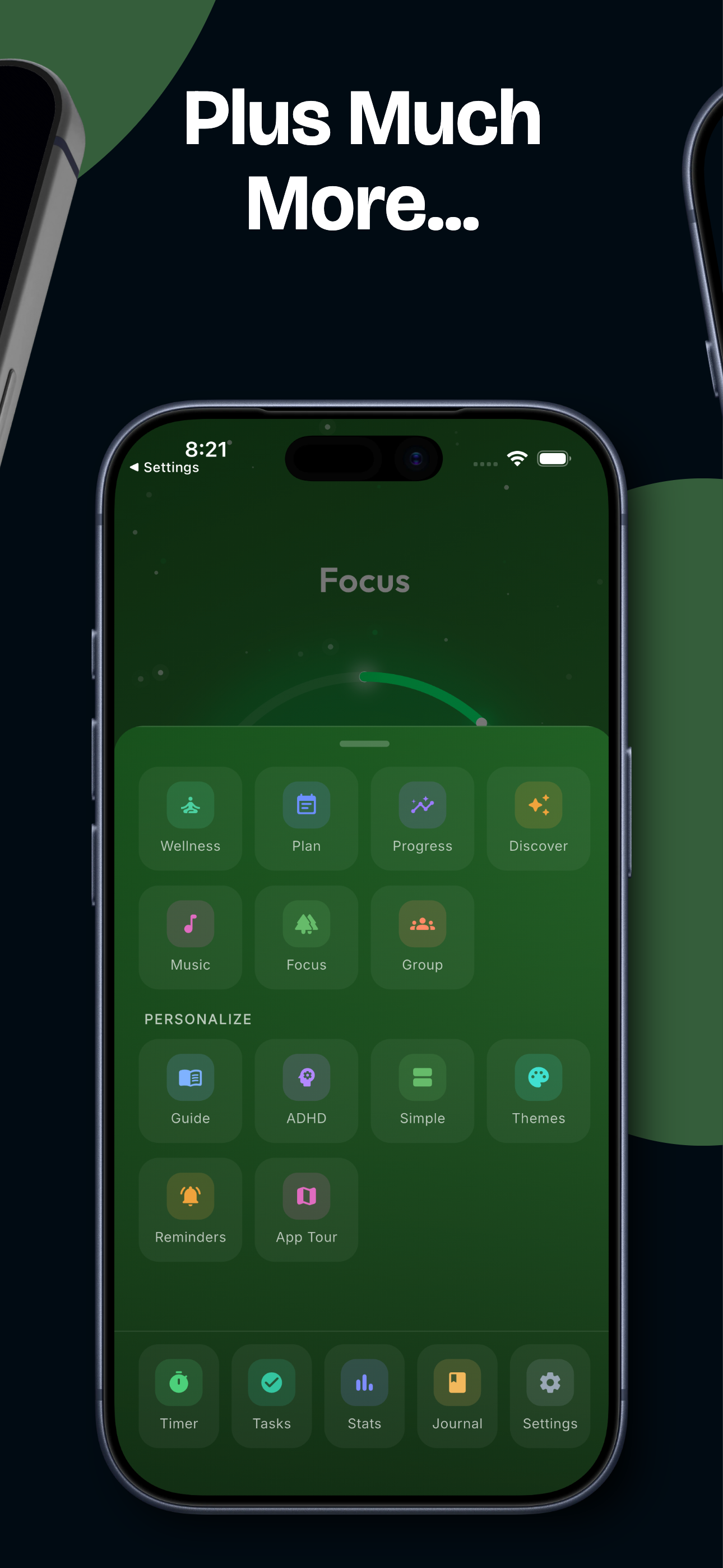
More than a timer — a world to focus in
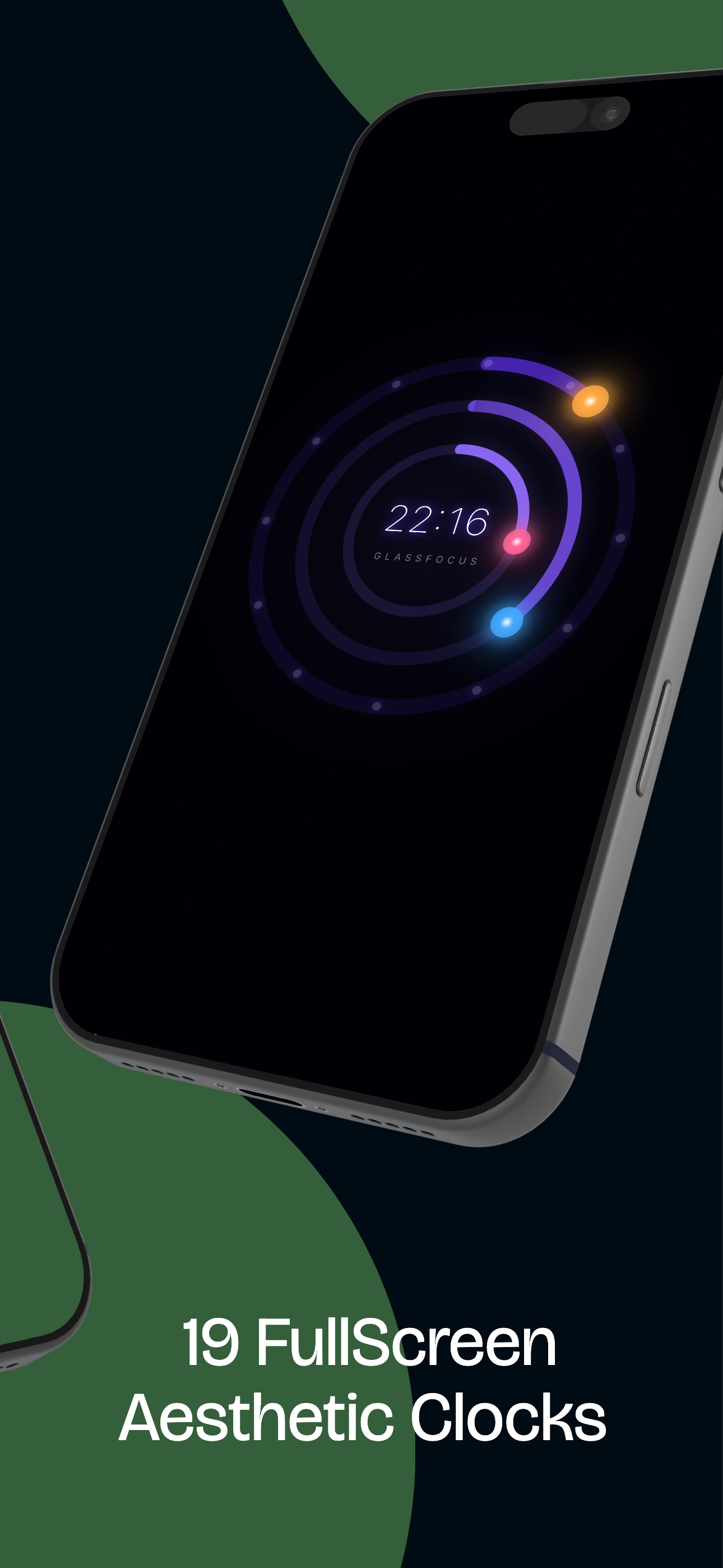
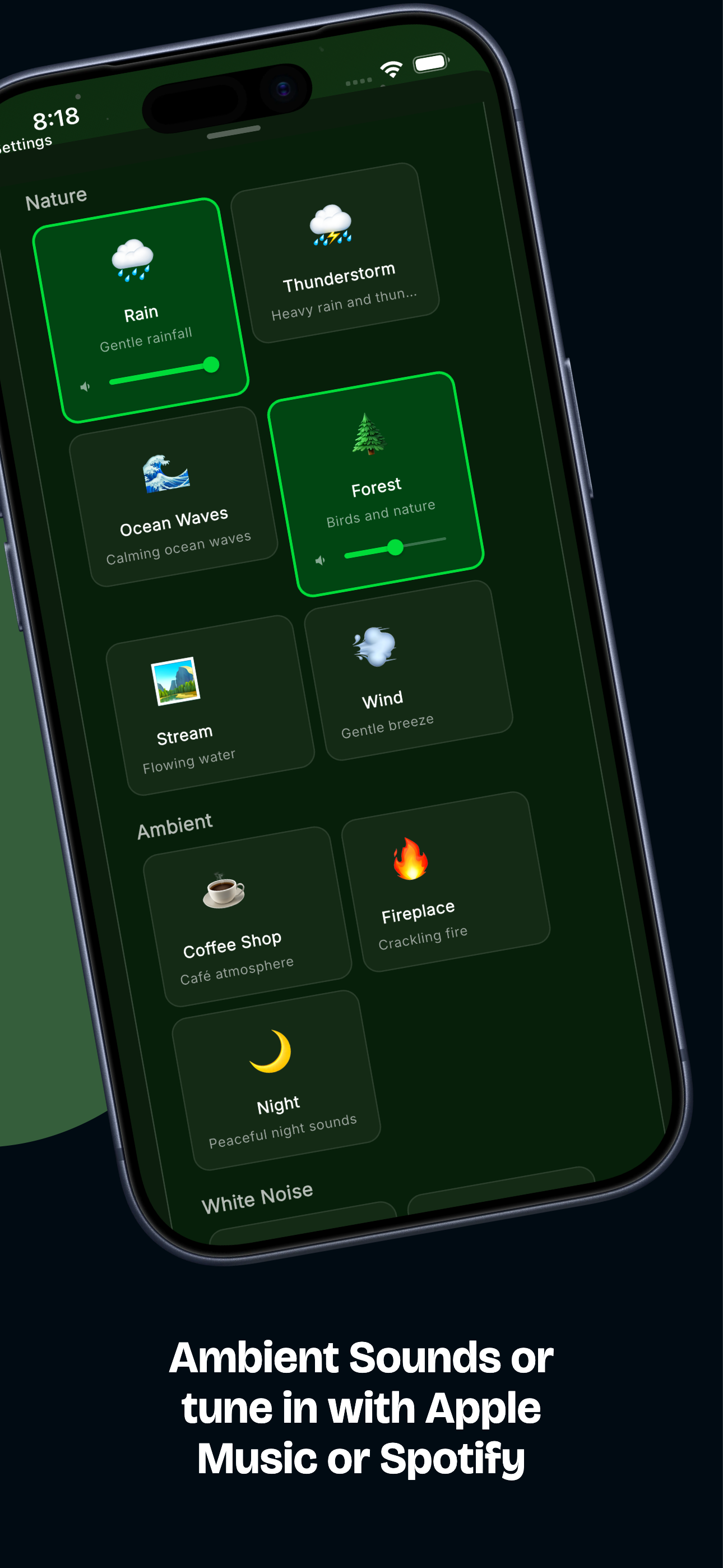
Slip into a cinematic full-screen mode, layer ambient soundscapes, or score your session with your own music. The deeper you go, the more GlassFocus gives you.
Availability: ambient soundscapes and music are part of the iOS and Android apps — not the web app. Spotify and ambient sounds work on both; Apple Music is available on iOS only.
Less friction. More flow.
GlassFocus blends a beautiful Pomodoro timer with the tools that actually keep you in the zone.
Pomodoro, perfected
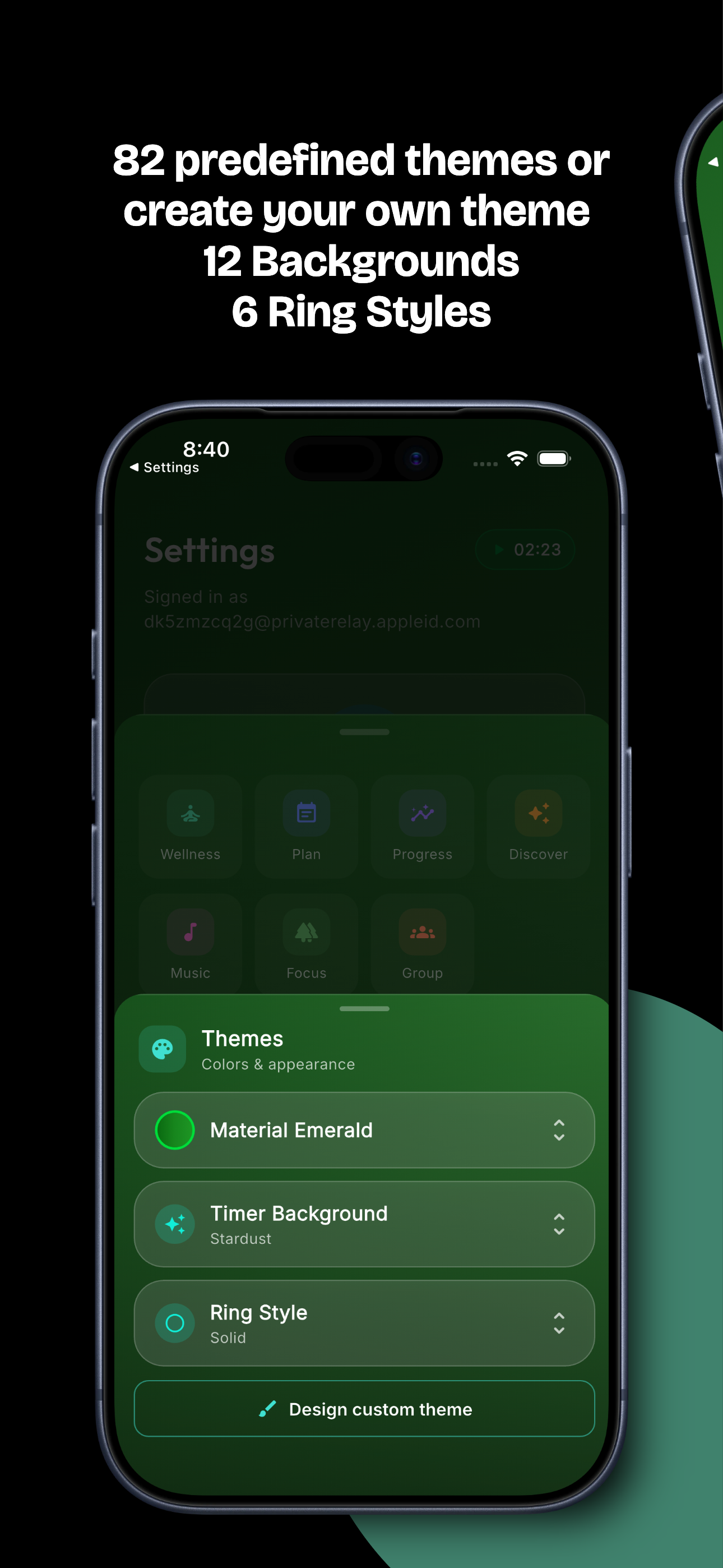
Focus and break sessions with a living progress ring and gentle particle visuals that evolve as you concentrate.
Ambient soundscapes
Mix rain, café, lo-fi and focus music — or connect Spotify & Apple Music to score your sessions.
Tasks, your way
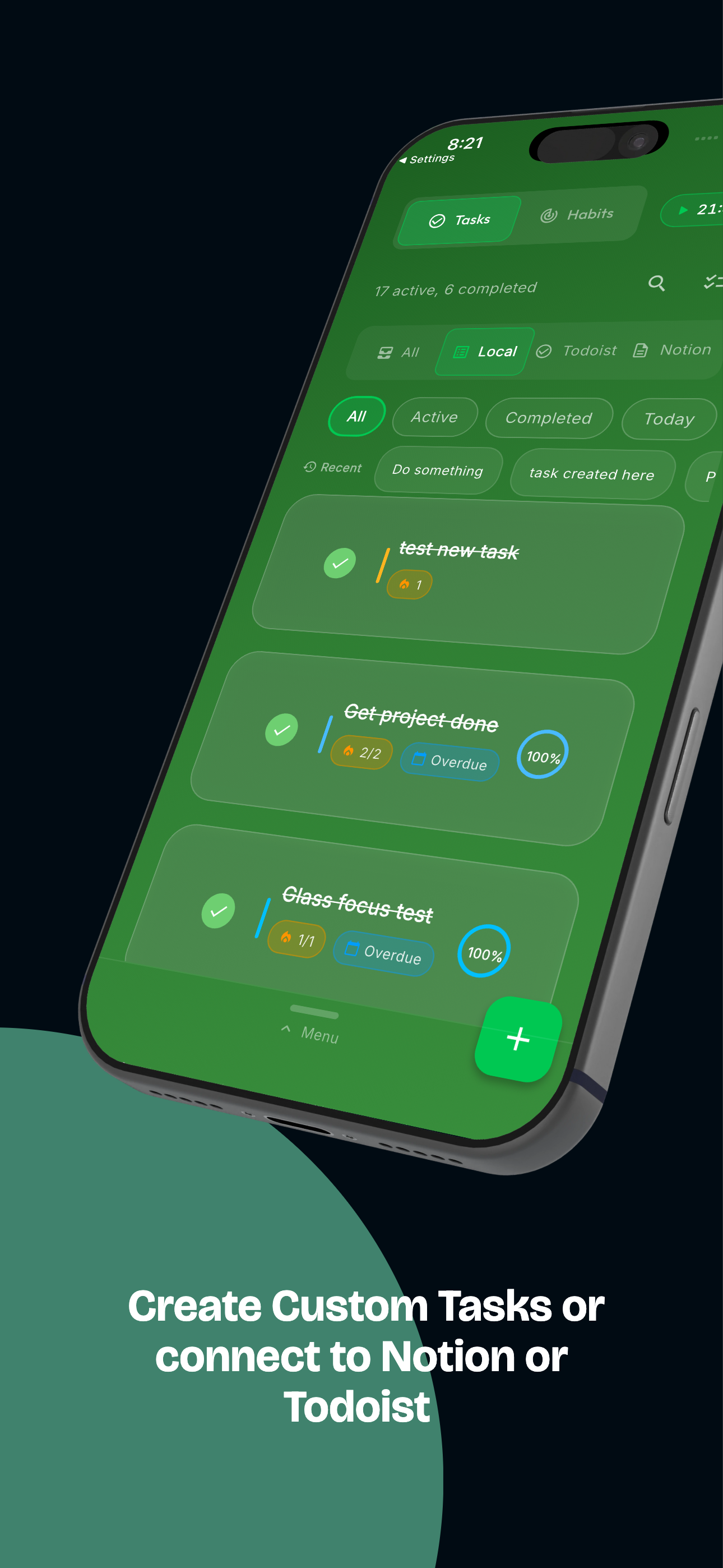
Local to-dos plus two-way Todoist sync and Notion databases — focus against the tasks you already track.
Stats that motivate
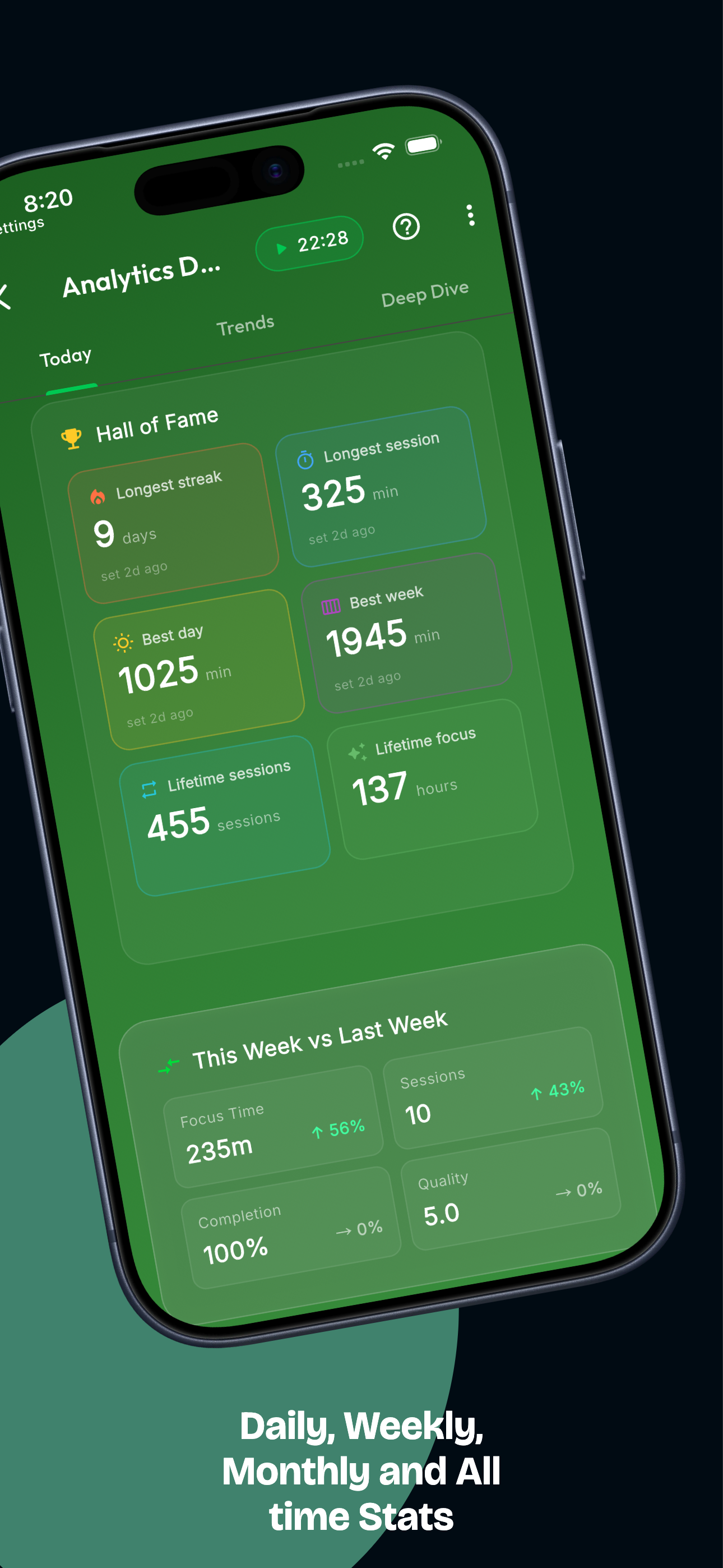
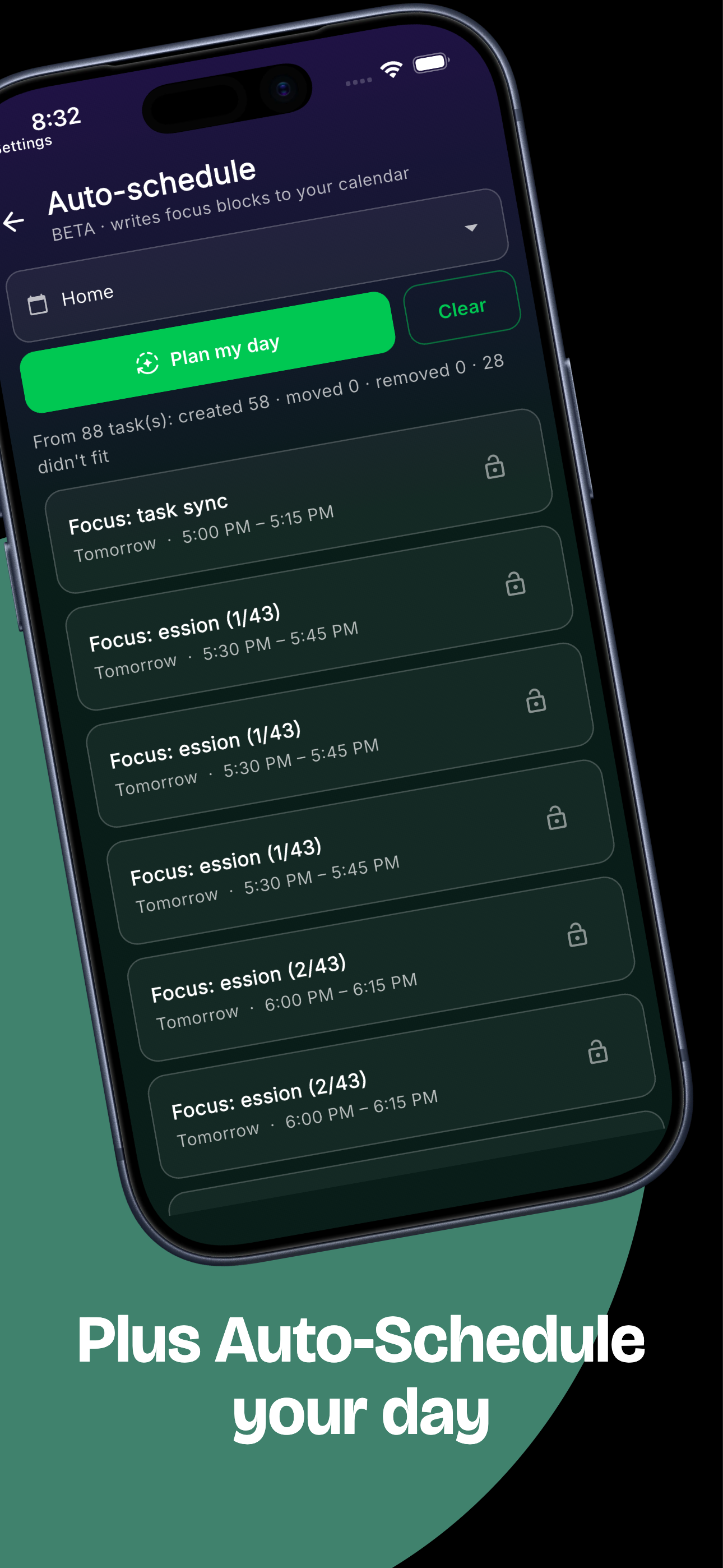
Streaks, a productivity score and a Smart Schedule that learns your personal peak focus window.
Reflective journal
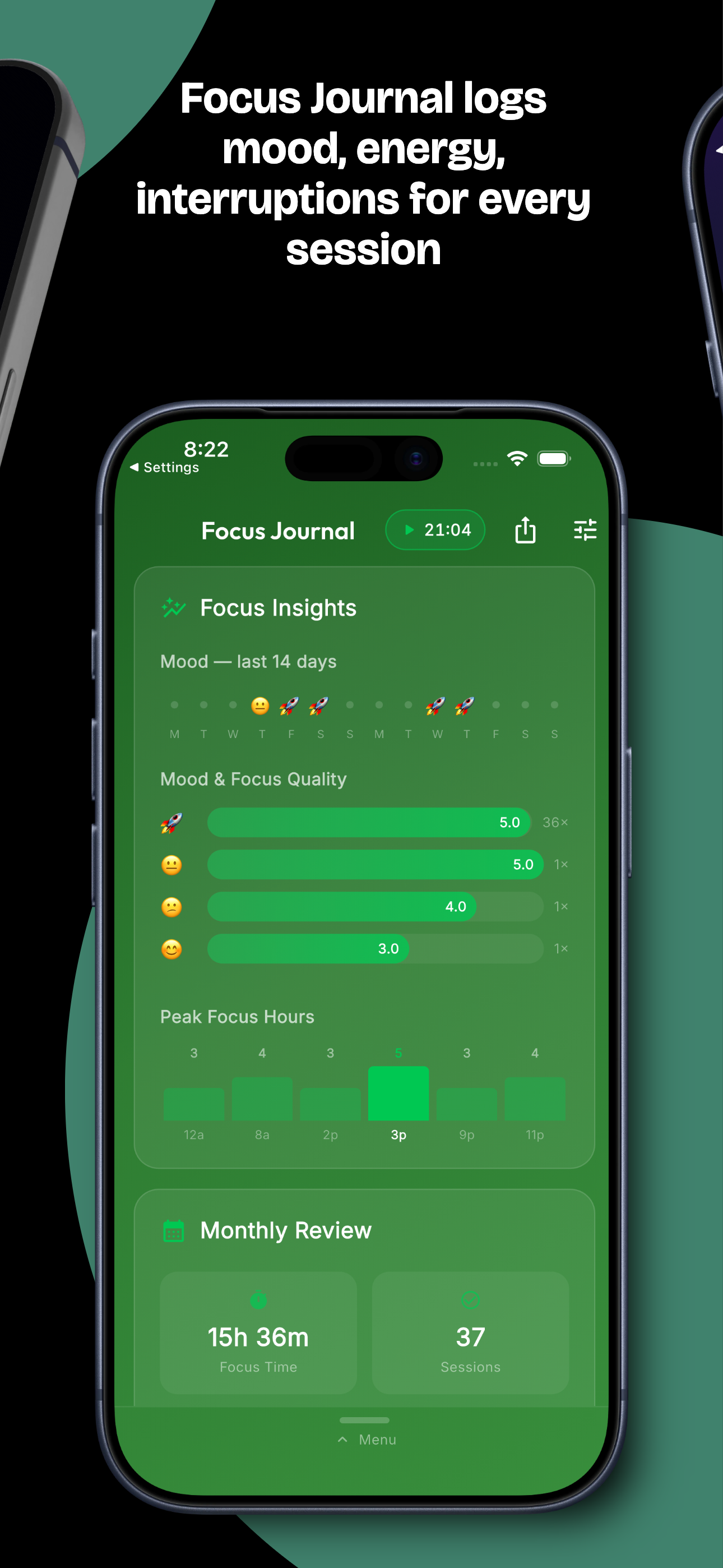
Capture how each session felt — mood, energy and intention — and watch your patterns emerge over time.
ADHD-friendly
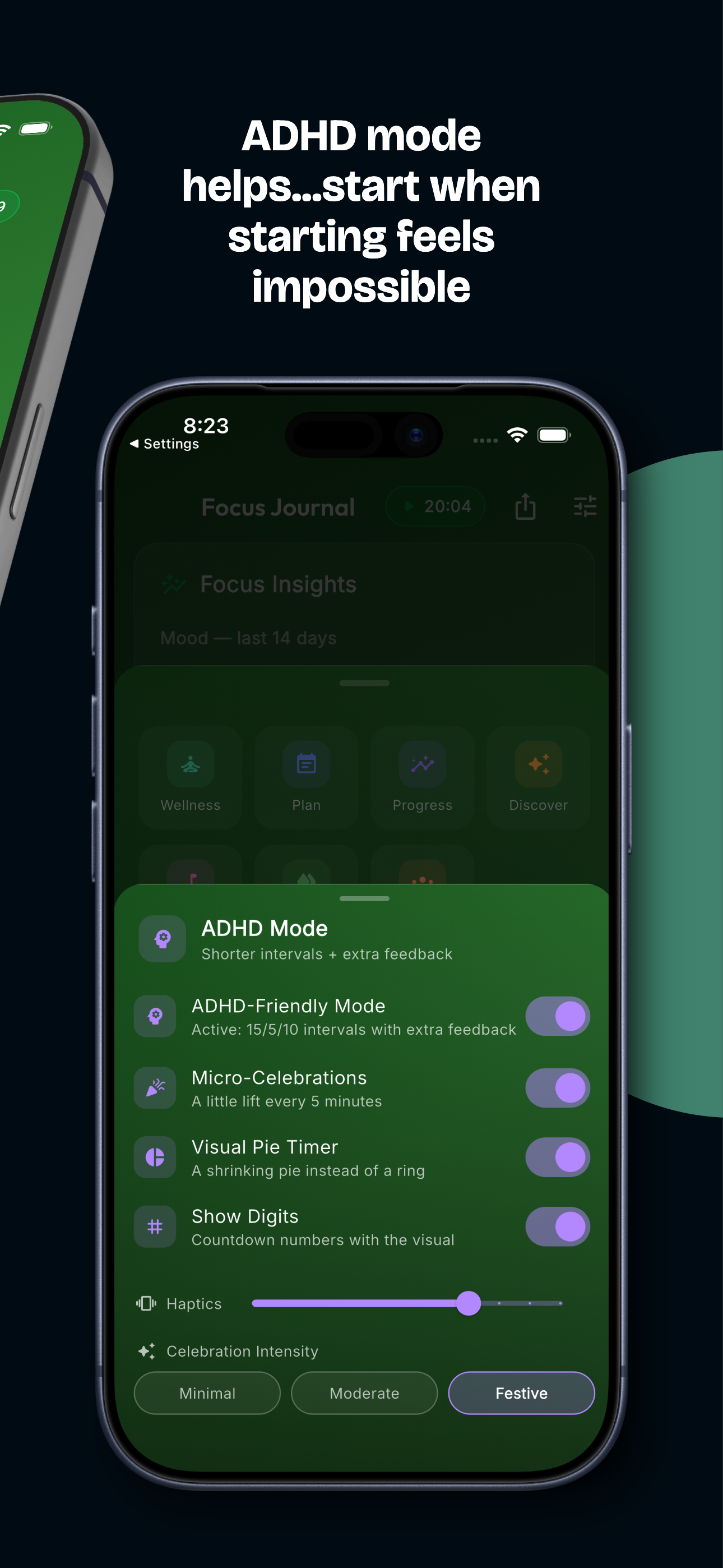
A visual pie timer, micro-celebrations and a low-stimulation sensory mode designed for brains that work differently.
Start focusing in seconds
No setup, no friction — just press start.
Set your intention
Pick what you're working on (or just hit start) and choose a focus length.
Focus with the ring
A calm visual timer and optional soundscape keep you present until the session ends.
Reflect & grow
Log how it felt, watch your stats build, and let the Smart Schedule guide your next session.
Frequently asked
Everything you need to know before you start.
Is GlassFocus free?
Yes — GlassFocus is free to start, and you can try it right in your browser with no account. A premium upgrade unlocks advanced features like deep analytics, the focus journal, and integrations.
What platforms does GlassFocus support?
iPhone, iPad, Mac (Apple Silicon), and any modern web browser. An Android version is coming soon.
Does it work with Todoist and Notion?
Yes. GlassFocus syncs two-way with Todoist and connects to your Notion databases, so you can focus against the tasks you already track and write focus time back automatically.
What is the Pomodoro technique?
It breaks work into focused intervals (traditionally 25 minutes) separated by short breaks. GlassFocus gives each session a calm visual timer, an optional soundscape, and automatic break scheduling.
Is GlassFocus good for ADHD?
Yes — it includes ADHD-friendly tools such as a visual pie timer for time-blindness, variable micro-celebrations, a low-stimulation sensory mode, and shorter default focus intervals.
From the blog
Guides on focus, deep work, ADHD, and getting more out of GlassFocus.
Your next focus session is one tap away.
Free to start. Works in your browser, on iPhone, iPad and Mac.